- github stars
- ★ 13
- pypi downloads
- 7k
- last push
- 6 days ago
- license
- MIT
how it works
- 01
Queue
Type /queue in any Claude Code session, or overnight add from a shell.
- 02
Sleep
A launchd or systemd timer wakes every 30 minutes. It checks the night window and your 5-hour and weekly limits.
- 03
Run
Jobs run through headless claude -p. Research jobs get web search only. Coding jobs get a fresh git worktree on their own branch.
- 04
Wake up
One markdown report per job, a digest, and a summary page that opens in your browser.
see it

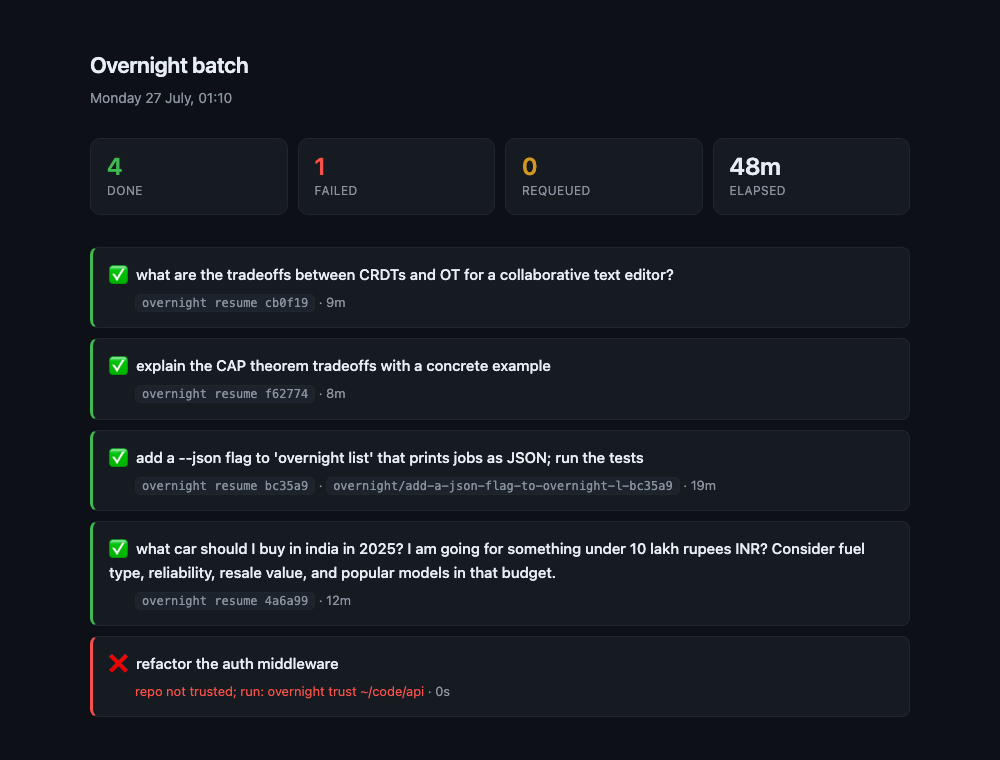
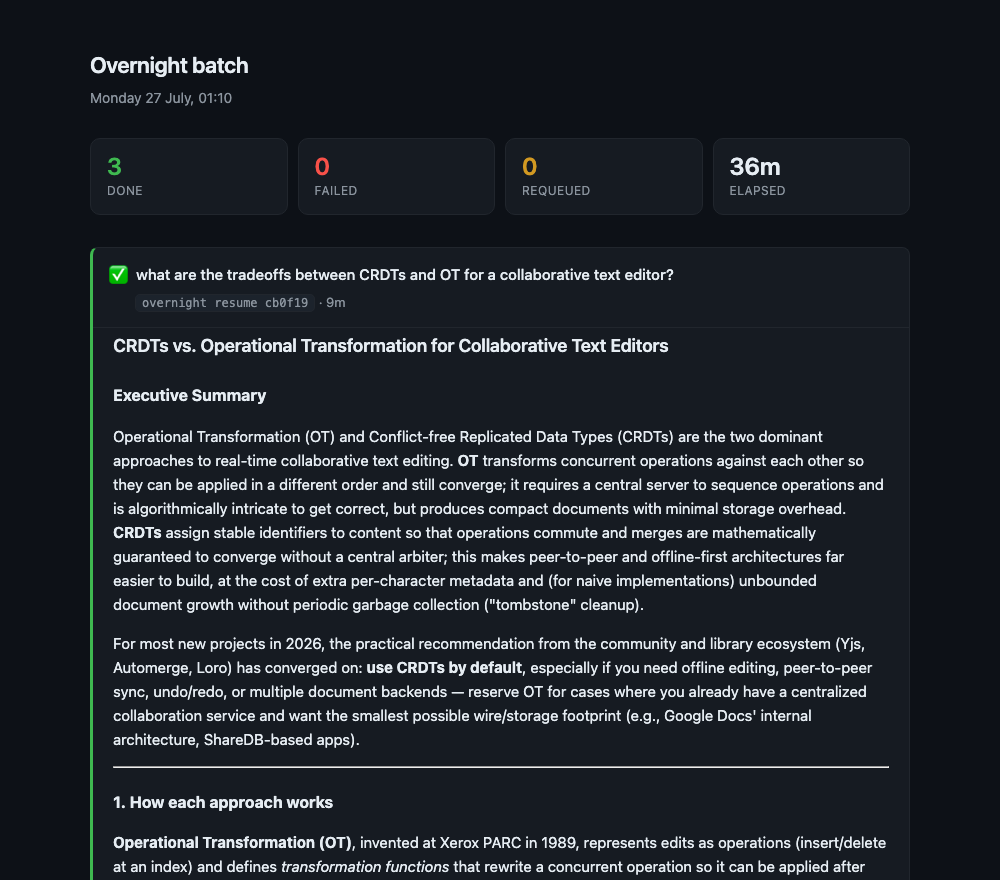
what you get
◆Limit-aware, not only time-aware
Cron can run at 3 am. It cannot see your quota. This checks it before the batch and between every job, and stops at your threshold.
◆Coding jobs on a branch
Trust a repo once. Jobs work in a worktree, commit, and write SUMMARY.md. Your checkout is never touched.
◆Threads, not one-shots
Every job keeps its session. Resume it in the morning, or queue a follow-up for the next night.
◆Zero dependencies
Pure Python standard library. Runs on your Pro or Max plan with no API key.
◆Edge cases handled
A sleeping laptop runs the missed tick on wake. A lockfile stops two runners. A blown weekly cap skips the night.
get started
$ uv tool install claude-overnight$ overnight install
Needs macOS or Linux, Python 3.11 or later, and Claude Code on a Pro or Max plan. The usage endpoint is undocumented, so the runner falls back safely if it changes.
~/.overnight/config.toml
[window]
start = "01:00"
end = "07:00"

[limits]
start_max_utilization = 20   # don't start if the 5h window is >20% used
stop_utilization = 60        # stop the batch at 60%
weekly_max_utilization = 80  # never run past 80% of the week